Track Your Time for Chrome
Your timer, one click away
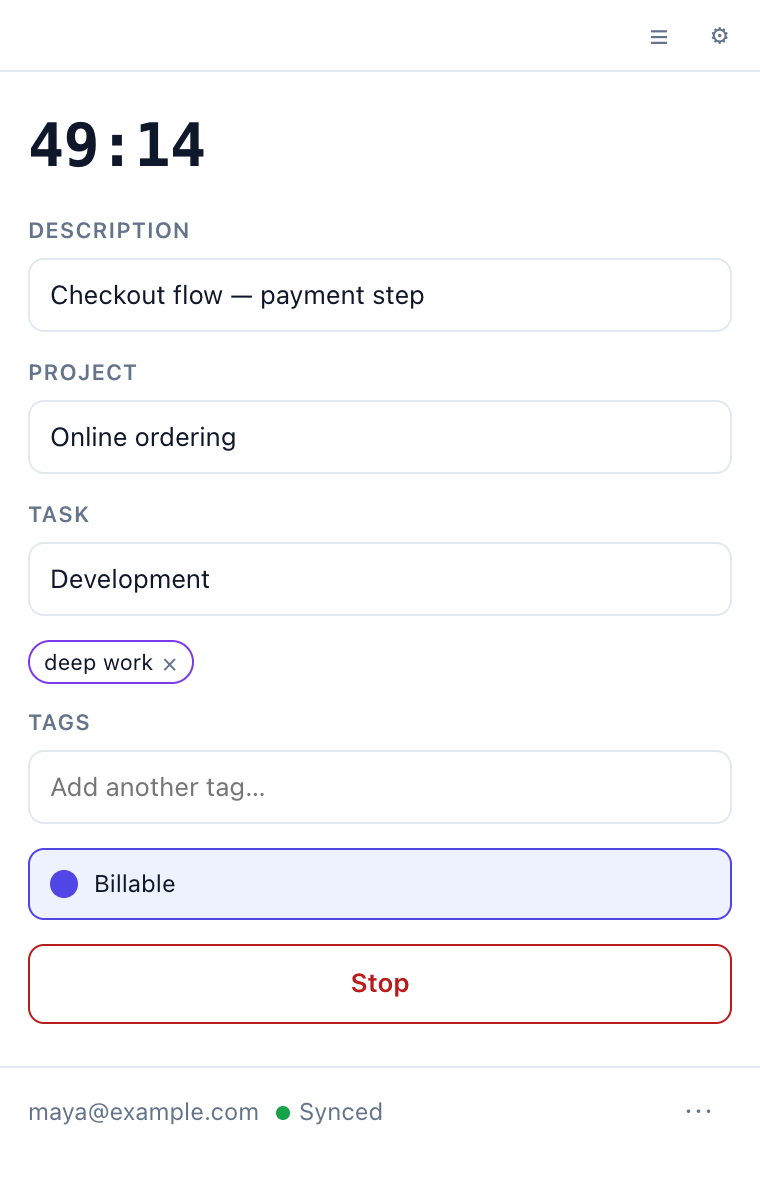
You spend the day in the browser, and your time tracker shouldn’t be one more tab to hunt for. The Track Your Time extension lives in Chrome’s toolbar. Starting a timer takes one click, and the icon shows how long it’s been running.
Pick up where you left off
The work you tracked recently is right there in the popup. Click it to start the same task again, or pin the jobs you do every day so they stay at the top.
Start typing a description and the extension suggests ones you’ve used before. Pick one, and it can fill in the client and project from last time too.
Fix the day before you bill it
Forgot to start the timer before a call? Add the time afterwards. Look back through earlier days and correct anything that looks wrong, without opening the web app.
Keeps tracking when the Wi-Fi doesn’t
If the connection drops, keep working. The extension saves your changes and sends them as soon as you’re back online. Stop a timer here, and it’s stopped in the web app and on your phone too.
No second login
Already logged in to Track Your Time in Chrome? The extension uses that login. There’s no extra password and no API key to copy.
Using your own server?
The Chrome Web Store version connects to trackyourtime.dev. To use the extension with your own server, build it from source with your server’s address. The self-hosting guide shows how.
What the extension can access
- Your Track Your Time login, so you don't have to sign in twice.
- Whether your computer is idle, so it can ask what to do with the time you were away.
- Storage on your computer, for changes made while you were offline.
- Your Track Your Time server. It can't read the websites you visit.